a global leader in geospatial data solutions
At DIELMO 3D, we have over 20 years of experience providing solutions based on geospatial data, including topography, digital mapping, inventory management, and infrastructure maintenance, among others. To achieve this, we conduct aerial or terrestrial data capture, train artificial intelligence models, or develop customized algorithms to determine the most optimal methodology in finding solutions.
DIELMO 3D is an Innovation Side Holding company with offices in Spain and the USA, serving clients across all five continents.

main services
data survey
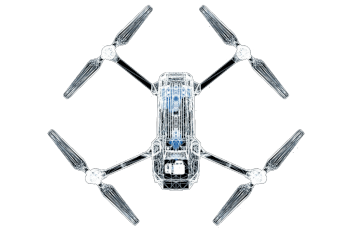
Geospatial data capture services of any kind: Topography, airborne sensors (airplane, helicopter, drone), terrestrial (car, on foot).

artificial intelligence
We are experts in the use of different artificial intelligence techniques to solve geospatial problems, automating repetitive tasks.

data processing
Geospatial data processing services (LiDAR, photogrammetry, vector mapping, GIS, etc.), and tailor-made customized solutions.
GIS consulting
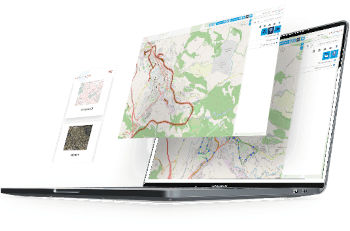
Based in dielmo maps, our Saas service for creating web geoportals to access geospatial data via the internet, with AI tools and visual inspection capabilities.
we work for these and other sectors

infrastructure
Asset inventory, customized distance reports, visual inspection, PLS-CADD modelling, vector mapping, etc.
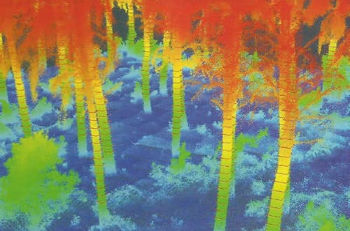
forestry
Automatic measurement of forest parameters from LiDAR data and AI, fuel model mapping, software for automatic forest inventory.
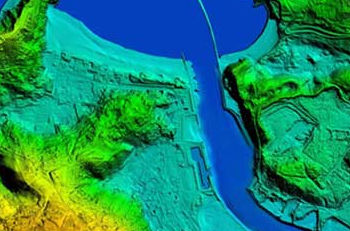
hydraulic
Generation of digital terrain models optimized for hydraulic studies, integration of LiDAR data with topographic profiles, riverbed corrections.
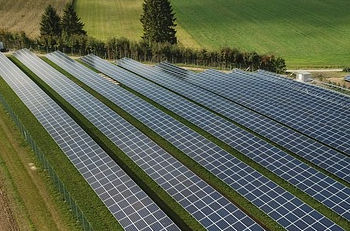
renewable energies
Vector mapping, asset inventory, visual inspection, thermography, wind turbine pole lean reports, photovoltaic piling incident reports.

civil engineering
Vector mapping, visual inspection, earthwork calculations, inventory, construction monitoring, road geometry, detection of dangerous curves.
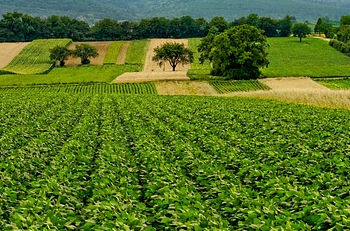
agriculture
Maps with different vegetation indices to improve crop management, online tools for easy access to information from the field.
benefits of working with us

trust
Our systems have been tested and refined during 20 years. We implement rigorous quality controls at every stage of production. ISO 9001 certified.

value
Our priority is to add value to each project at competitive prices. Avoiding penalties for delays or errors that could lead to the loss of the end customer.

capacity
Thanks to our parallel computing cluster and a large team of professionals, we have the capacity to tackle large projects with short delivery deadlines.

customization
Our R&D department can customize algorithms to meet the strictest specifications in short times, without the limitations of commercial software.

security
Our extensive experience and production capacity in managing all types of geospatial data processing is a guarantee when tackling large projects.

flexibility
We help our clients outsource the costs of generating mapping products, becoming an on-demand technological partner.
clients and partners
some of our numbers
years of experience
in power lines inspection projects
of DTM for flood modelling
2D/3D mapping projects
last post in the blog
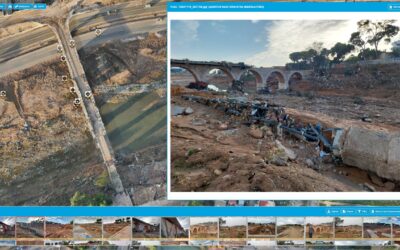
Dielmo Maps: Our Solidarity Contribution to Recovery after the Valencia Flooding
On October 29th, the Valencian Community experienced one of the most devastating floods in recent years. The severe weather event caused significant damage to municipalities, affecting both infrastructure and the daily lives of thousands of people. At DIELMO 3D, we...

Intergeo 2024
At DIELMO 3D, we have always been committed to innovation and excellence in geospatial data processing. As part of our internationalization strategy and expansion into the European market, we had the opportunity to participate in Intergeo 2024, the most important...
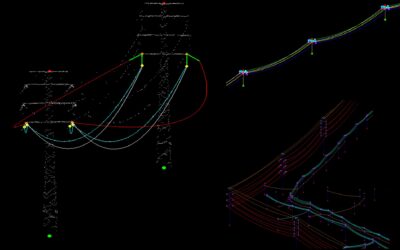
Alternative to PLS-CADD: Faster and more affordable software for modeling power line conductors under different weather conditions
PLS-CADD is a well-established software for designing overhead power lines and has been widely used for simulating conductor behavior under various environmental conditions. This program allows engineers to assess safety clearances to critical elements, considering...